
Search Collection Metadata
This feature will search the collection metadata. It is intended to help CLASS users find the type of data they are interested in. Moreover, this feature is not intended to be used to search specific files or data products.
There are several ways to utilize this feature. The first is to enter one or more keywords directly into the Search collection metadat text field and click Go on the CLASS homepage. The second way is to go to the Search for Data page by clicking the Search for Data link. then enter your keyword search in the Search collection metadata text field and click Submit Query.
Data products containing the keyword(s) will be returned with the keywords highlighted. Clicking on the product title will display the data product's search page.
Collection metadata fields that are searched include (but are not limited to):
Abstract
Dataset ID
Format
Instrument
Mission
Platform
Themes
Title
The example "Ice" is shown below:
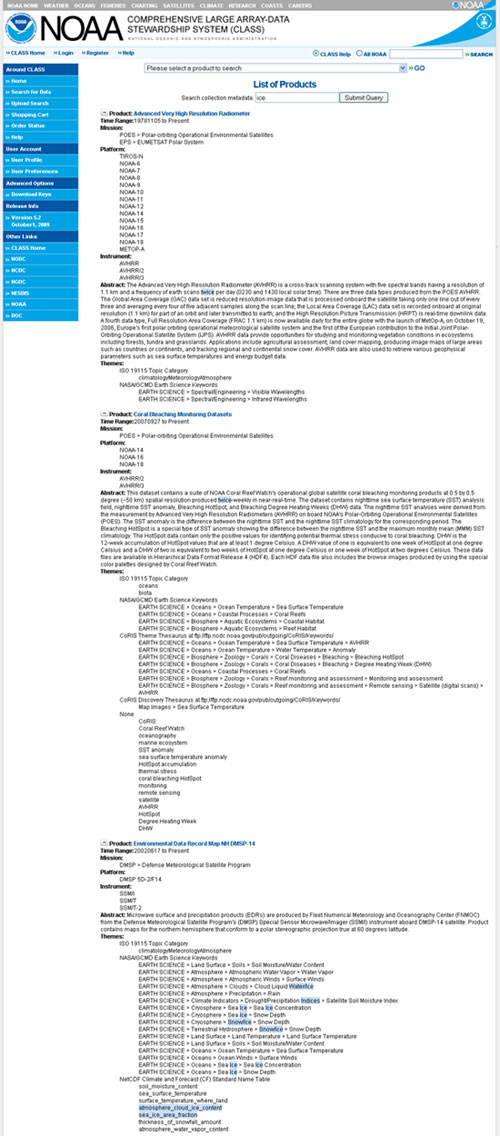
This image shows the highlighted character string matches within the metadata that match for each product within CLASS as described above.